
Presentation
Overview of time management principles and popular digital tools like Toggl, RescueTime, and Focus@Will
Interactive activity
Participants explore these tools and discuss their potential benefits and challenges in small groups

Implementing time management techniques using Todoist and Google Calendar
Utilizing digital tools for improved productivity

Effective delegation strategies using Asana, Trello, and Monday.com
Leveraging AI analytics for workload optimization

Building and maintaining virtual teams with Slack and Zoom
Utilizing technology for seamless collaboration

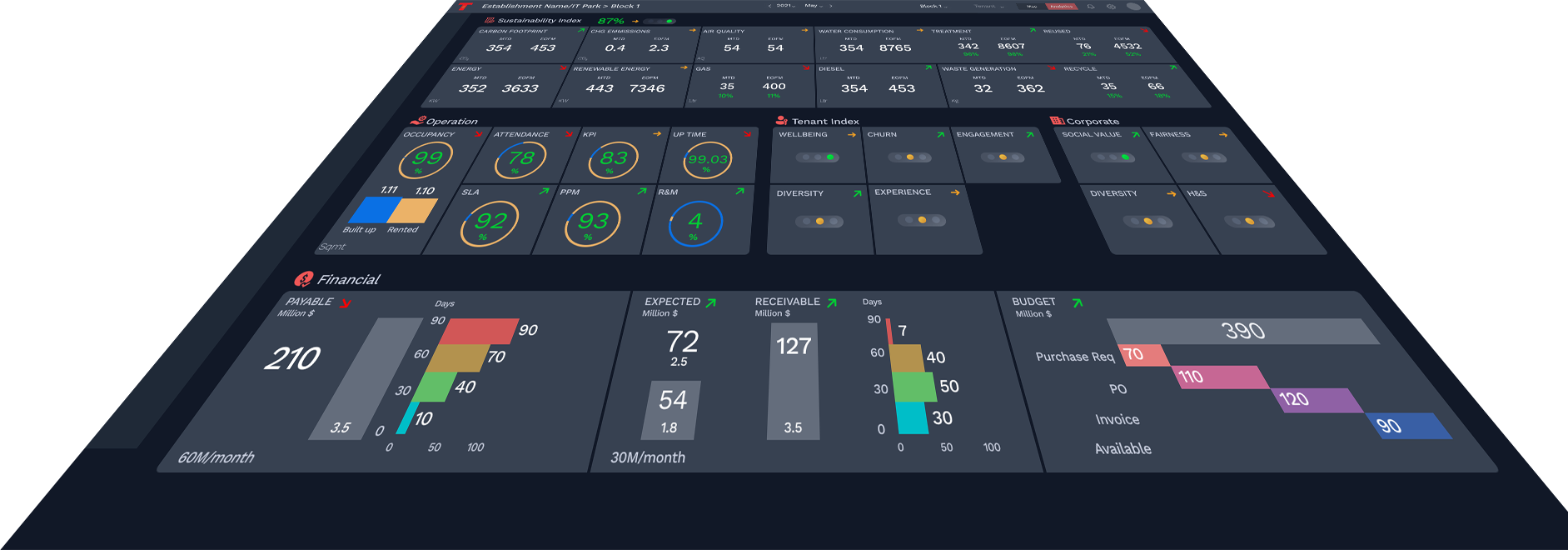
Creating interactive dashboards using Microsoft Power BI
Utilizing data visualization tools in Excel and PowerPoint for data-driven insights
This package is designed for individuals who want to advance in their careers, upskill their know-how, and prepare for future growth opportunities. The training focuses on identifying strengths, building in-demand skills, networking and personal branding, and future-proofing careers to ensure long-term success.
Overview of time management principles and popular digital tools like Toggl, RescueTime, and Focus@Will
Participants explore these tools and discuss their potential benefits and challenges in small groups

Trainer showcases the functionalities of digital organization tools like Trello, Asana, and Evernote, illustrating how they can enhance productivity
Participants follow along with the trainer to create their own accounts, set up preferences, and use the tools to organize sample tasks and projects

Tips and tricks for maximizing the benefits of digital organization tools, including goal setting, prioritization, and progress tracking
Participants share their experiences with digital organization tools and exchange ideas for improving their usage

Overview of workflow automation concepts and tools like Zapier and IFTTT, highlighting their features and applications
Participants discuss their experiences with workflow automation and potential benefits
Trainer showcases the functionalities of Zapier and IFTTT, illustrating how they can automate repetitive tasks and streamline workflows
Participants follow along with the trainer to create their own accounts, set up preferences, and configure sample automations between their favorite apps

Strategies for integrating various digital tools like Slack, Microsoft Teams, and Google Workspace to improve team collaboration and efficiency
Overview of data visualization concepts and tools like Microsoft Power BI and Tableau, including their features and applications
Participants explore real-world examples of data visualization projects and discuss their impact on decision making

Trainer showcases the functionalities of Microsoft Power BI and Tableau, illustrating how they can create visually appealing and informative dashboards
Participants follow along with the trainer to create their own accounts, set up preferences, and design sample dashboards using provided datasets

Tips and tricks for using data visualization tools effectively, including selecting the right visualizations, avoiding common pitfalls, and ensuring data accuracy
Participants share their experiences with data visualization tools and exchange ideas for improving their usage
By the end of this package, participants will have hands-on experience with various tech tools for time management, organization, workflow automation, and data-driven decision making. They will learn how to effectively use these tools to boost their productivity and make informed decisions in the workplace.